Tools & settings
Settings reference
Every section of Settings, what it changes and when it applies.
⌘, opens Settings. Every control says when it applies — live, next session, next worktree — so you're never left wondering whether a change took. There is a search box at the top.
| Section | What lives there |
|---|---|
| General | Launch at login, Open in… editor, check for updates, and About / license (Deactivate this machine lives here). |
| Appearance | Theme (Dark, Light, System), palette (Navy, Graphite, Midnight, Ember, Moss, Aubergine, Paper), accent, density. |
| Spaces | Saved layouts: which panes, dock and rail a workspace opens with, their shortcuts and order, and the default. |
| Keyboard | Remap every shortcut in the app; the menu bar follows what you set. |
| Providers | Provider cards: connection status, accounts, default model and effort, installed CLI version and Update, local model runtimes. |
| Usage & limits | Live windows and consumption analytics, caps per provider and window with strict/soft enforcement, watchdog policy, failover mode and order, the usage ledger. |
| Approvals | Default access preset, remembered rules, notifications, menu-bar tray, Dynamic Island, keep awake while agents run. |
| Git & hosting | Git backend, default base branch, change descriptions, and hosting connections: GitHub, GitLab and Azure DevOps. |
| Workspaces | Managed worktree location, development port range, cleanup budget, default env files, default workspace mode, and your launchable apps. |
| Integrations | Connected apps (Linear, Google Drive, Microsoft 365) and the MCP hub: registered servers, secrets, provider compatibility, export to native configs. |
| Phone | Pair an iPhone to watch runs and answer approvals; the relay only ever sees encrypted data. |
| Archive | Archived chats across every project: searchable, restorable, exportable. |
| Recovery | Work saved from removed worktrees: restore it into a new chat, reveal it on disk, or delete it. |
| Voice | Speech model tier and language, dictation vocabulary, push-to-talk shortcut. |
| Advanced | Engine target, telemetry opt-in (no collector exists in this build), include logs in diagnostics, engine logs, captured login environment. |
Project settings
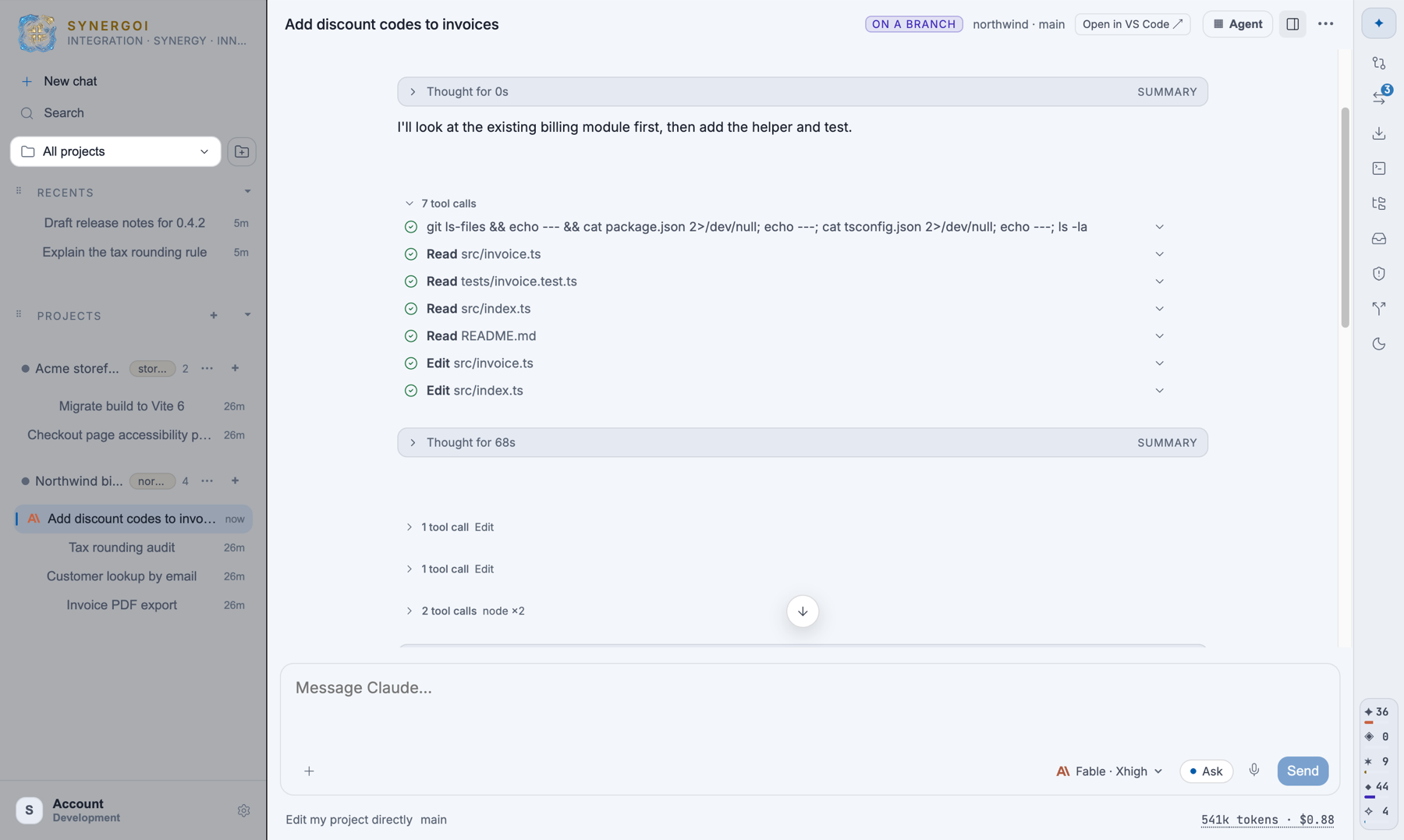
Each project has its own inspector (from the project's … menu): the registered repository, base branch, env files, port range, rules that apply only here, and Delete project — which removes Synergoi's records and managed worktrees and never touches your folder.
Where settings live
Settings, transcripts, Context Packs, rules and the license record live in the app's data folder — ~/Library/Application Support/Synergoi on a Mac, %APPDATA%\Synergoi on Windows. Nothing is written into your repositories. See Privacy & where data lives.
Something wrong or missing on this page? Email [email protected].